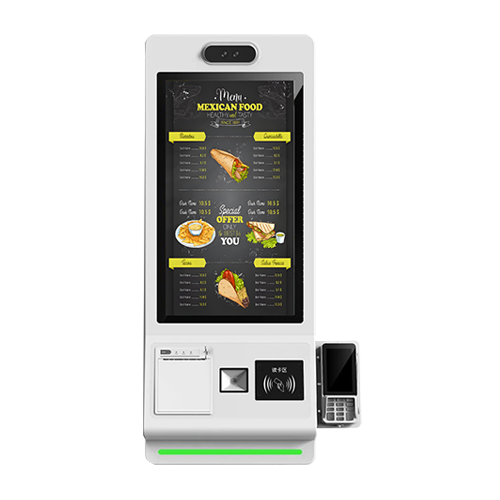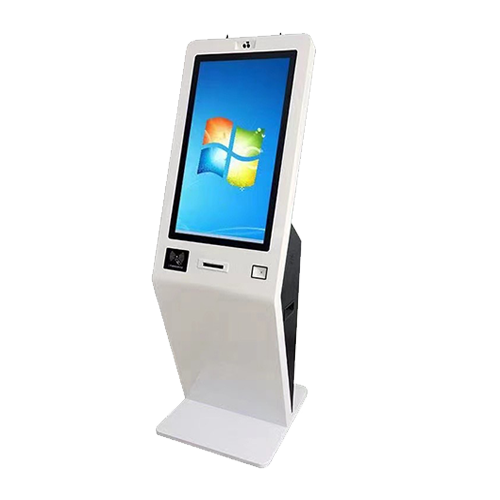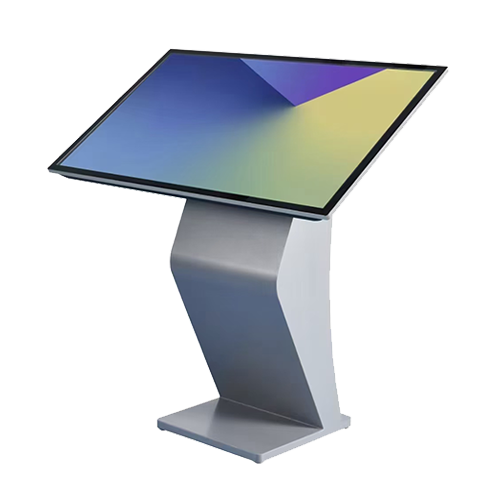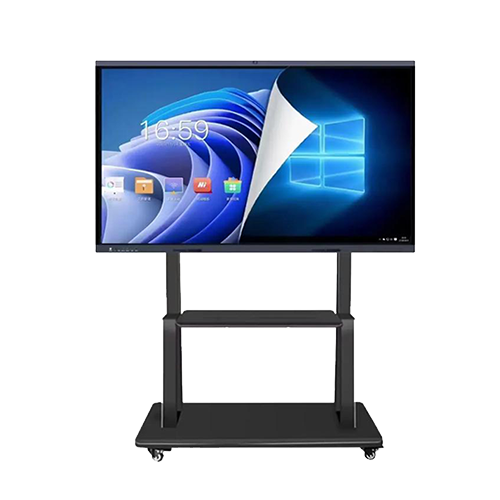

The issue may be related to a faulty built-in power supply or a defective drive board inside the machine. Troubleshooting steps: Check if the power output is normal. If there is no power output, it can be confirmed that the power supply is faulty. If the power output is normal, the issue may be with the drive board.
The phenomenon where a certain area on the LCD screen remains undisplayed or displays abnormally is referred to as a "blurred screen". Troubleshooting steps include checking if the signal transmission cable plugged into the LCD screen is loose or experiencing poor contact. If such a situation is found, tighten and secure the signal cable, and see if the issue is resolved. If not, the problem may be with the LCD screen itself.
When the LCD screen is in a black screen, dark screen, or flickering screen during advertisement playback, it is referred to as a dark screen. Troubleshooting steps include checking if the power output is normal. If the power output voltage is unstable (voltage value does not reach 11~12V), it can be confirmed that the power supply is faulty. If the power output is normal, it is necessary to replace the driver board and inverter one by one until the fault is resolved.
When the screen displays "no signal" or similar messages during power-on, it is referred to as "no signal". Troubleshooting steps include checking if the internal video cable and the 5V power cable to the decoder board are loose. If these are not loose, the decoder board or driver board may need to be replaced. After replacement, check if the issue has been resolved.
Generally speaking, inaccurate touch is a phenomenon that should only occur when using an advertising machine for the first time or after adjusting the resolution. If this is the case, it is necessary to recalibrate the touch screen. The process is simple and can be completed by simply clicking a few times in the calibration program. This method is straightforward and can be easily operated by oneself.
In case of insensitive double-clicking, the repair steps are as follows: Open the mouse control in the control panel and adjust the double-click time to be longer. Or open the infrared screen calibration program and lower the sensitivity.
 Add:3rd Floor, Building 2, No.548, Xitian Third Industrial Zone, Gongming, Guangming District, Shenzhen, Guangdong, China
 Tel:+86 18823751946/+86 17688554003
 Email:quan@qinau.com



Copyright © 2025-2027 Shenzhen Qingyao Technology Co., Ltd.